Getting started
The welcome screens
A few screens the first time, and never again.
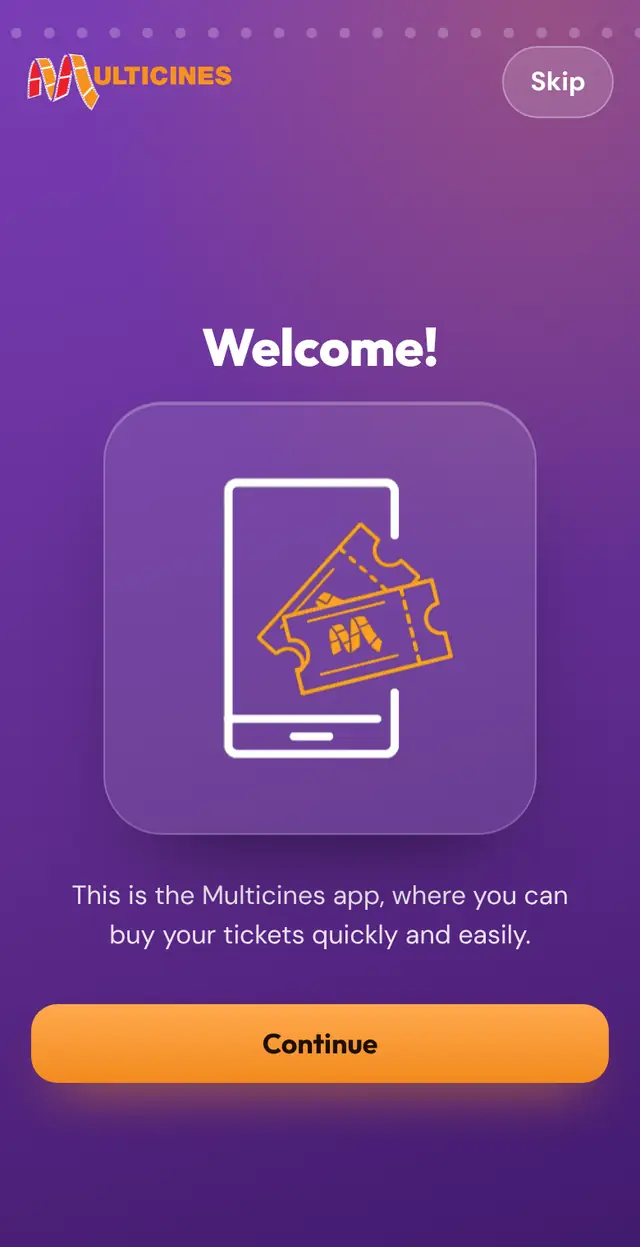
They explain what the app is for. Skip them with "Skip" and, once seen, they do not come back in that browser.

Getting started
A few screens the first time, and never again.
They explain what the app is for. Skip them with "Skip" and, once seen, they do not come back in that browser.
Install the app
Open the Chrome menu and choose “Install app”.
Tap Share and choose “Add to Home Screen”.